Practical examples
Turn a recording into useful private notes on iPhone
LocalNote records, transcribes, and helps summarize notes on compatible devices. Check device and on-device language requirements before depending on the AI features. Get permission from participants before recording and verify important information against the audio.
Capture a meeting and review action items
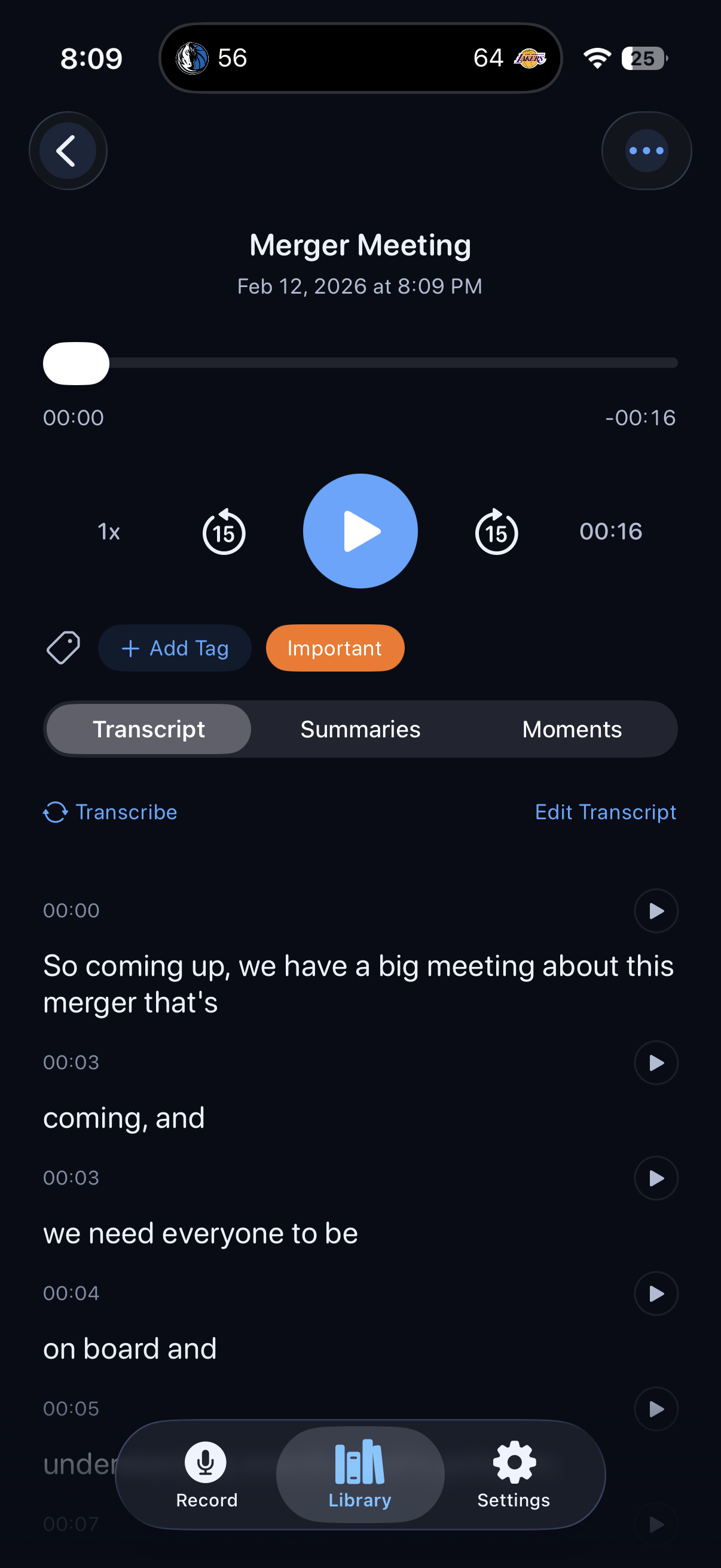
Record with permission and place the device where speech is clear. Add live markers at important moments. Review the transcript after recording, correct recognition errors, and then generate an action-item summary. Confirm names, dates, and commitments against the recording before acting on or sharing them.
Review a lecture without a meeting bot
Make an authorized recording and use markers to flag concepts you want to revisit. Review the transcript and generate a key-point summary. Use Ask This Note for a focused question about that recording, then check the supporting transcript. An AI answer can omit context or misinterpret a phrase.
Find an idea from an earlier voice note
Give notes useful titles and tags. Search for a phrase you remember or use the supported AI Search workflow to locate relevant notes. Open the result and replay the audio around the point you need. Share only the text or recording you intend to disclose.
Access and device requirements
Free download and preview; monthly or yearly subscription required to save notes and unlock the full app.
iPhone and iPad; requires iOS or iPadOS 26.0 or later and compatible on-device language features
View on the App Store